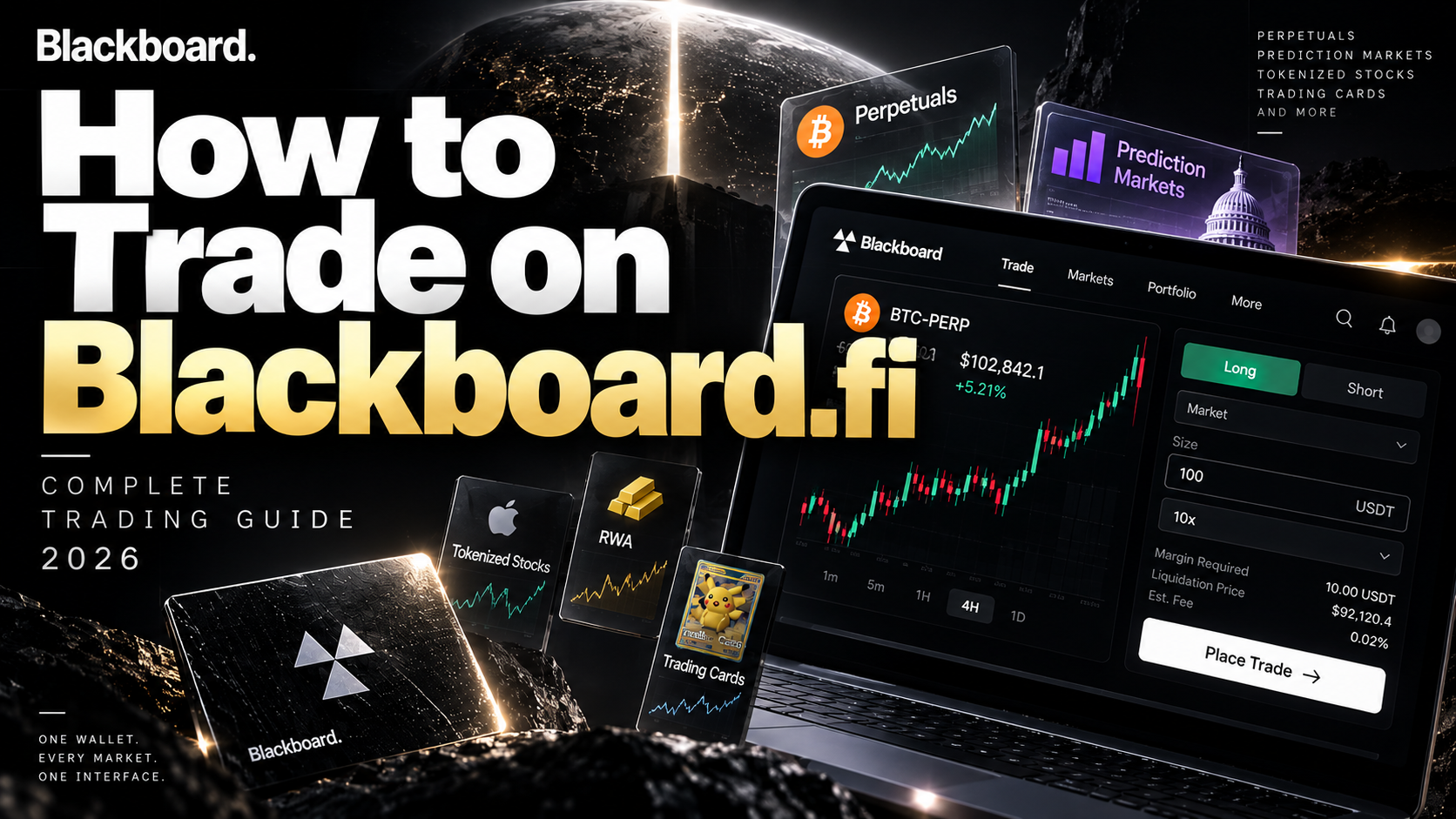
Blackboard.fi brings multiple onchain markets into a single trading interface.
Instead of switching between separate platforms for crypto perpetuals, prediction markets and other onchain products, traders can discover different markets from one terminal.
But how do you actually trade on Blackboard.fi?
This guide walks through the basic Blackboard.fi trading process, from accessing the platform and preparing funds to selecting a market, opening a position and managing a trade.
How Does Blackboard.fi Trading Work?
Blackboard.fi is not designed like a traditional centralized crypto exchange.
It is a non-custodial onchain trading terminal that connects users with different markets and underlying trading infrastructure through one interface.
This means the Blackboard experience focuses on making different onchain markets easier to discover and trade without requiring users to treat every protocol as a completely separate environment.
The exact trading process depends on the market you choose, but the overall workflow is relatively simple.
1. Open Blackboard.fi
Start by accessing Blackboard and signing in using the options currently available on the platform.
Before connecting a wallet or approving any transaction, always verify that you are using the official Blackboard.fi domain.
Once inside, you can explore the market categories currently available through the trading interface.
Start Trading on Blackboard.fi
2. Check Your Wallet and Trading Balance
Before opening a trade, check the wallet and balance available to your account.
Blackboard's broader goal is to reduce some of the fragmentation traditionally associated with onchain trading, including repeated wallet, chain and market switching.
However, you should still verify the asset and network requirements shown by the platform before moving funds.
When transferring crypto from another wallet or exchange, make sure the asset and network match the information displayed by the platform.
For a first transfer, using a small test amount can help confirm that the funds arrive as expected.
3. Choose a Market
The next step is deciding what you want to trade.
Blackboard is built around a multi-market model rather than a single trading product.
Depending on current availability, its interface can include categories such as:
| Market | Purpose |
|---|---|
| Crypto Perpetuals | Trade crypto price movements |
| Prediction Markets | Trade event outcomes |
| Up and Down | Directional market products |
| Tokenized Stocks | Explore tokenized stock-related markets |
| Trading Cards | Explore tokenized collectible markets |
This is an important difference between Blackboard and a conventional perpetual DEX.
You are not limited to exploring only one type of onchain market.
4. Trading Crypto Perpetuals
Perpetuals are one of the main trading categories on Blackboard.
A perpetual contract allows traders to take exposure to an asset's price without a traditional expiration date.
The two fundamental directions are Long and Short.
If you expect Bitcoin to rise, for example, you may choose a BTC Long position.
If you expect Bitcoin to fall, you may choose Short.
5. Select Long or Short
Understanding the direction of a position is essential before placing a perpetual trade.
| Position | Market View | Profits When |
|---|---|---|
| Long | Bullish | Price rises |
| Short | Bearish | Price falls |
Suppose BTC is trading at $100,000.
If you open a Long position and BTC moves higher, the position generally moves toward profit.
If you open a Short position and BTC falls, the Short generally moves toward profit.
If the market moves in the opposite direction, the position moves toward a loss.
6. Set Your Position Size
After choosing the market and direction, decide how large the position should be.
Position size matters because larger positions create larger exposure to price movements.
Using your entire available balance for one trade can leave less flexibility if the market moves against you.
Before confirming a trade, check that the position size matches the amount of risk you intend to take.
7. Understand Leverage
Some perpetual markets allow traders to use leverage.
Leverage increases the size of your market exposure relative to the margin committed to the position.
For a simplified example:
| Margin | Leverage | Position Exposure |
|---|---|---|
| 100 USDT | 1x | 100 USDT |
| 100 USDT | 2x | 200 USDT |
| 100 USDT | 5x | 500 USDT |
| 100 USDT | 10x | 1,000 USDT |
Leverage does not only increase potential profits.
It also increases losses and can bring the position closer to liquidation.
For new perpetual traders, understanding how leverage affects risk is more important than simply choosing the highest available multiplier.
8. Check the Liquidation Price
Liquidation is one of the most important concepts in leveraged perpetual trading.
If losses become large enough that the position can no longer satisfy its margin requirements, it may be forcibly closed.
Always review the liquidation information shown on the actual trading screen before confirming a leveraged position.
9. Market vs Limit Orders
Depending on the market, traders may encounter different order types.
Two common examples are Market and Limit orders.
| Order | How It Works |
|---|---|
| Market | Attempts to execute using currently available market prices |
| Limit | Sets a specific price at which you want the order to execute |
A Market order prioritizes execution, while a Limit order gives the trader more control over the requested entry price.
Actual execution can depend on liquidity and market conditions.
10. Review the Trade Before Confirming
Before placing the order, review the information shown on the trading screen.
A simple mistake such as choosing Short instead of Long or entering an incorrect position size can materially change the trade.
Only confirm the order after checking the important details.
11. Manage Your Position
Once an order is filled, the open position should appear in the relevant position area.
Several pieces of information are worth monitoring.
The PnL will change as the market moves.
A positive PnL indicates the position is currently moving in a profitable direction, while a negative PnL indicates an unrealized loss.
12. Close a Position
When you no longer want to maintain the position, use the available Close function.
Depending on the market and trading interface, you may be able to close the entire position or only part of it.
Before confirming the close order, check the size and execution details again.
The trade is not finished simply because it shows a profit or loss on screen—the position remains exposed to market movement until it is actually closed.
What About Take Profit and Stop Loss?
Where supported, Take Profit and Stop Loss orders can help manage positions.
Take Profit can be used to close a position when a predefined profit target is reached.
Stop Loss can be used to reduce further exposure when the market moves against the position.
Available order-management features may vary by market, so check the current Blackboard trading interface.
Trading Prediction Markets on Blackboard.fi
Blackboard is not only about perpetuals.
Prediction Markets are another major category within its broader multi-market approach.
Instead of trading whether an asset price will rise or fall, prediction markets allow traders to take positions related to possible real-world outcomes.
These markets may cover categories such as economics, technology, sports and global events depending on current availability.
Before participating, carefully review:
Understanding the resolution conditions is particularly important because prediction markets operate differently from conventional crypto price trading.
What Other Markets Can Blackboard Connect?
Blackboard's broader strategy is to make different onchain markets accessible from one interface.
This can extend beyond standard crypto perpetuals.
The exact markets available can change as Blackboard adds or modifies integrations.
For that reason, the current trading terminal should always be treated as the final source for market availability.
Why Trade Through Blackboard.fi?
The main attraction is not simply the ability to open another BTC position.
It is the multi-market interface.
Traditionally, an active onchain trader may need separate platforms for perpetuals, prediction markets, tokenized assets and other products.
Blackboard aims to reduce that fragmentation.
| Traditional Onchain Workflow | Blackboard Approach |
|---|---|
| Multiple trading websites | One terminal |
| Separate market interfaces | Unified market discovery |
| Repeated platform switching | Multiple markets in one interface |
| Fragmented trading experience | Unified trading experience |
This is the idea behind Blackboard's positioning:
One wallet. Every market. One interface.
Blackboard.fi Trading FAQ
Can I trade crypto on Blackboard.fi?
Blackboard includes Crypto Perpetuals among its main market categories. The exact assets and markets available should be checked on the current platform.
Can I Long and Short on Blackboard?
Long and Short positions are fundamental to perpetual trading. Available directions, leverage and market conditions depend on the specific market.
Does Blackboard.fi offer leverage?
Perpetual markets may support leverage. The available leverage range can differ by market, so check the trading screen before placing an order.
Can I get liquidated?
Yes. Leveraged perpetual positions can be liquidated if losses cause the position to fall below required margin conditions.
Does Blackboard have Prediction Markets?
Yes. Prediction Markets are one of the market categories Blackboard presents as part of its multi-market terminal.
Is Blackboard.fi a centralized exchange?
Blackboard describes itself as a non-custodial onchain trading terminal rather than a traditional centralized exchange.
Do I need a wallet?
Wallet requirements can depend on the feature and current platform setup. Follow the wallet and account options displayed by Blackboard.
Is Blackboard.fi trading safe?
No trading platform can eliminate market risk. Perpetuals can involve leverage and liquidation, while onchain activity can introduce smart-contract and protocol risks. Review each market before trading.
Blackboard.fi Trading: Final Summary
Trading on Blackboard can be summarized in a few core steps.
What makes Blackboard different is what comes after those basic steps.
Instead of limiting traders to one type of market, Blackboard is designed to become a common interface for multiple onchain products.
For traders who already move between perpetuals, prediction markets and other crypto-native markets, that unified approach is the central value proposition.
Start Trading on Blackboard.fi
This page contains a referral link. CryptoCard.Life may receive a referral benefit if you sign up or use Blackboard through this link.
Perpetuals, leverage and onchain trading involve significant risk, including possible loss of principal and liquidation. Available markets, leverage, fees and features can change. Check the current Blackboard.fi trading interface before placing an order.