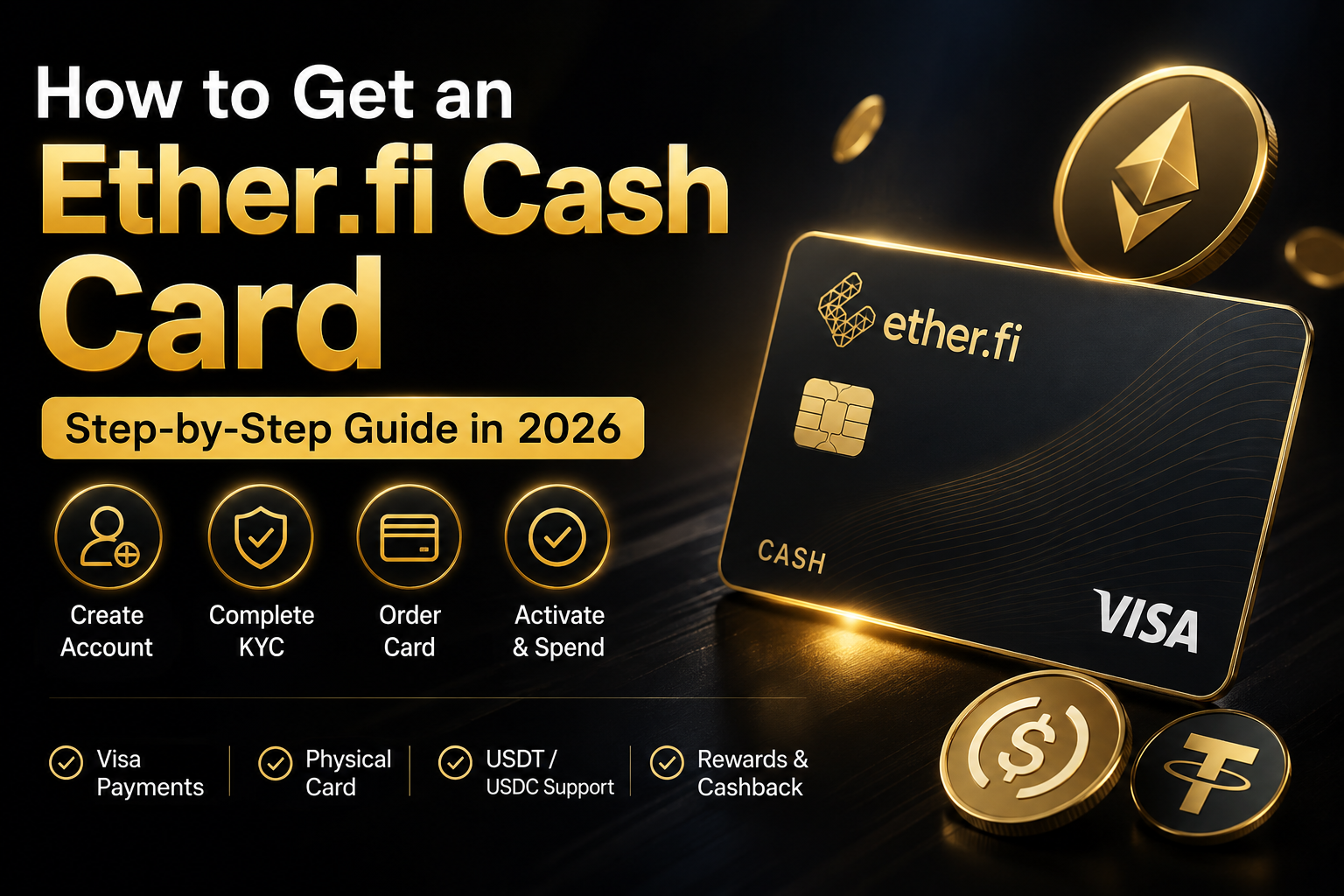
Ether.fi Cash is one of the crypto cards we recommend most for users who want to connect digital assets with everyday payments.
The application process is relatively straightforward, but there are a few steps you need to complete before a card can be issued.
This guide walks through the process from account creation to KYC and physical-card ordering.
Before You Start
To open an Ether.fi account, you need a valid email address and access to that email for verification codes. Ether.fi also supports device authentication or passkeys during the setup process.
For the Cash Card, identity verification is required before issuance.
The general flow is:
Create account → Complete KYC → Open Cash → Add Card → Choose virtual or physical card → Confirm details → Activate and use
Step 1. Create an Ether.fi Account
Start by opening Ether.fi and creating a personal account.
Ether.fi's current account-opening process is:
1. Open the Ether.fi app
2. Choose Personal or Business
3. Enter your email address
4. Enter the verification code sent to your email
5. Complete device authentication or set up a passkey if prompted
Once this is complete, your Ether.fi account is created.
Step 2. Complete KYC Verification
KYC is required for all Ether.fi Cash Card users.
Ether.fi states that identity verification must be approved before a Cash Card can be issued.
The KYC process normally includes four parts.
Phone verification
Confirm your mobile number using a one-time code.
Identity document
Upload a valid government-issued ID.
Accepted documents include:
- Passport
- National ID card
- Driver's license
Selfie verification
Complete a liveness check so Ether.fi can match you with your ID.
Personal information
Enter the required personal details during onboarding.
For most users, a passport is the easiest document to use for international card applications.
Step 3. Wait for KYC Approval
After submitting your information, wait for the verification process to finish.
Your Cash Card cannot be issued until KYC has been approved.
If additional information is required, Ether.fi may ask for another document or updated information during the process.
Once approved, you can move on to the card section.
Step 4. Open the Cash Section
After logging in, go to the Cash tab inside Ether.fi.
This is where you can manage your Cash Card and create a new card.
For physical cards, Ether.fi currently instructs users to:
Open Ether.fi → Cash → Add Card → Physical Cards
Step 5. Choose a Virtual or Physical Card
Ether.fi offers both virtual and physical card options.
A virtual card is useful if most of your spending is online.
A physical card is better if you want to pay in stores or use supported ATMs.
Ether.fi states that its physical Cash Card works anywhere Visa is accepted, subject to card and merchant restrictions.
For Core members, Ether.fi currently lists:
Virtual card fee: $10 for additional virtual cards
Physical card fee: $50
The $50 Core physical-card fee includes the card and shipping.
Higher membership tiers may include free physical cards or different fees.
Step 6. Order the Physical Ether.fi Card
If you want the physical card, the current ordering flow is:
1. Open the Ether.fi app
2. Go to Cash
3. Select Add Card
4. Select Physical Cards
5. Add a card nickname if you want
6. Set optional spending limits
7. Enter your mailing address
8. Confirm your information
You must have completed KYC before ordering.
Step 7. Enter Your Shipping Address Carefully
When ordering a physical card, use an address where you can actually receive international delivery.
Make sure the country, city, postal code and street address all match your real information.
If your address is written in a local language, using a standardized English-format address can help reduce delivery issues.
Step 8. Check Whether Your Country Is Supported
Ether.fi Cash is not available everywhere.
Card eligibility depends on your country of residence and successful account verification.
Ether.fi maintains a current list of supported jurisdictions and whether physical cards are available in each location.
South Korea is currently included among supported Cash Card jurisdictions.
Step 9. Prepare Assets for Spending
Once your card is ready, you can prepare supported crypto assets inside your Ether.fi account.
Ether.fi Cash is designed around a crypto-native account rather than a traditional bank balance.
Depending on how you use the platform, supported assets can be used with Cash features and card spending.
For most users, stablecoins such as USDT or USDC are easier to understand for everyday spending because their values are designed to track the U.S. dollar.
Step 10. Activate and Start Using the Card
After receiving your physical card, follow the activation instructions in the Ether.fi app.
The card can then be used for supported Visa transactions.
Ether.fi also lists contactless payments, Apple Pay and Google Pay as supported Cash Card benefits.
Ether.fi Cash Card Fees
For most first-time users, the Core membership is the relevant starting point.
Current Core card fees include:
Physical card: $50
Virtual card: one free virtual card may be included depending on region, while additional virtual cards are listed at $10.
Card fees may vary by region.
Ether.fi also notes that foreign-exchange transactions can include a prevailing FX base rate of roughly 1%, with additional margins depending on membership tier and transaction conditions.
Ether.fi Cash Card Limits
Ether.fi currently lists the Core daily spending limit at up to $30,000.
ATM withdrawals for standard tiers are currently listed at:
$500 per transaction
with a maximum of three ATM withdrawals in a rolling 24-hour period, for a total of $1,500.
Actual usage can also be affected by your individual card limits and merchant restrictions.
Why We Recommend Ether.fi Cash
Ether.fi Cash is our top overall crypto-card choice because it combines several features in one product.
Visa payments
Physical and virtual cards
Non-custodial account structure
Crypto-native asset management
Apple Pay and Google Pay
Cashback rewards
Global card usability in supported regions
For users who want more than a basic prepaid virtual card, the overall structure is one of the strongest we have reviewed.
Ether.fi Cash Card Application Summary
The full process is simple when viewed as a checklist.
Create Ether.fi account
↓
Verify email and phone
↓
Complete KYC
↓
Wait for approval
↓
Open Cash
↓
Choose virtual or physical card
↓
Enter shipping details
↓
Pay the applicable card fee
↓
Receive and activate your card
↓
Prepare crypto assets and start spending
Start with Ether.fi Cash
If you want to apply for Ether.fi Cash, you can start with the link below.
Using this referral link may provide applicable promotional benefits depending on the offer available at the time.
CryptoCard.Life may receive compensation if you sign up or use the service through this referral link, at no additional cost to you.
Frequently Asked Questions
Does Ether.fi Cash require KYC?
Yes. Ether.fi requires identity verification before a Cash Card can be issued.
How much does the Ether.fi physical card cost?
For Core members, the current physical-card fee is $50 and includes card and shipping costs.
Can I get a virtual Ether.fi card?
Yes. Ether.fi offers virtual cards, although the number of free cards and fees can vary by membership tier and region.
Can I use Ether.fi Cash with Apple Pay?
Ether.fi lists Apple Pay and Google Pay support among its Cash Card benefits.
Can I order Ether.fi Cash in South Korea?
South Korea is currently listed as a supported Cash Card jurisdiction, including physical-card availability.
Compare Ether.fi with Other Crypto Cards
Ether.fi Cash is our current No.1 overall pick, but other cards may fit different users better.
CryptoCard.Life also compares options such as:
Bybit Card, Gate Card, Tria, KAST, Jupiter, Nexo, Pionex, PintoPay and IZIPAY.
CryptoCard.Life
https://www.cryptocard.life/