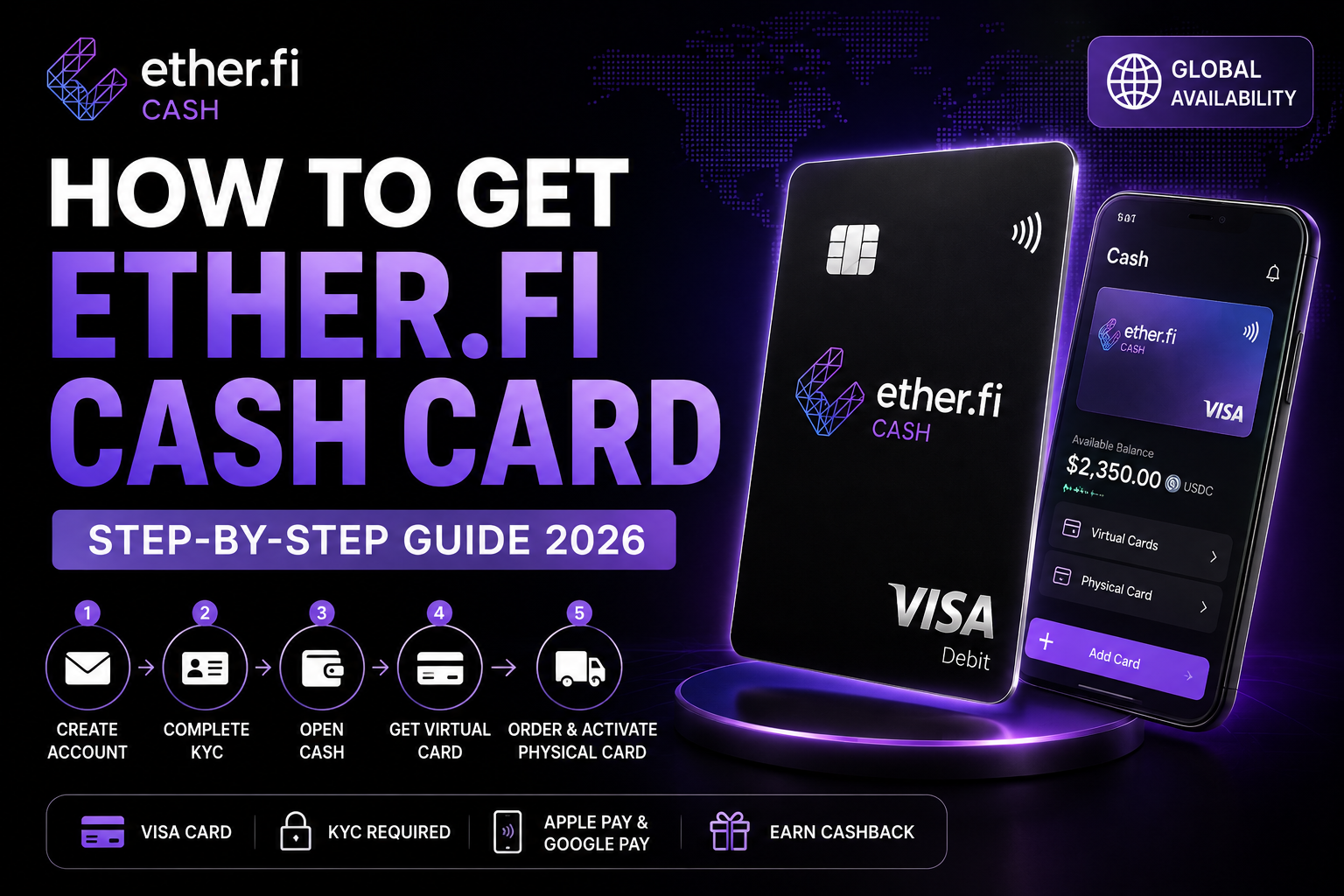
Ether.fi Cash is a crypto-native Visa card designed to connect crypto assets with everyday spending.
If you are considering the card, the application process is relatively straightforward:
Create an Ether.fi account → complete KYC → open the Cash section → get your virtual card or order a physical card.
Here is how the process works in 2026.
Ether.fi Cash Card at a Glance
Before applying, check whether Ether.fi Cash is currently available in your country.
Availability can change depending on regulatory and operational requirements.
Step 1. Create an Ether.fi Account
Start by creating your Ether.fi account.
You will need a valid email address and access to your email inbox.
The basic signup process is:
- Open the Ether.fi signup page.
- Select a Personal account.
- Enter your email address.
- Enter the verification code sent to your email.
- Complete device authentication or passkey setup if prompted.
Once completed, you can access your Ether.fi account.
Step 2. Complete KYC Verification
Identity verification is required before an Ether.fi Cash card can be issued.
The KYC process may include:
- phone verification
- government-issued ID
- selfie and liveness verification
- residential address
- proof of address when requested
- compliance questionnaire
Accepted identity documents can include a passport, national ID card or driver's license.
In some jurisdictions, Ether.fi may also require an account top-up before KYC can be completed.
Make sure the information you submit matches your official documents to reduce the risk of verification delays.
Step 3. Open the Cash Section
After completing the required account verification, open the Cash section in the Ether.fi app or web app.
From here, you can manage your Cash cards and spending settings.
The virtual card is the fastest option for users who want to begin using Ether.fi Cash without waiting for physical delivery.
Best Crypto Cards in 2026Step 4. Order a Physical Ether.fi Cash Card
If physical cards are available in your country, you can order one from the Cash section.
The process is:
- Open the Cash tab.
- Select Add Card.
- Choose Physical Cards.
- Set a card nickname and spending limits if needed.
- Enter your shipping address.
- Confirm your information and place the order.
KYC must be completed before a physical card can be ordered.
For Core members, the current physical card fee is $50, including the card and shipping.
Standard delivery is generally 15+ business days, although delivery times can vary.
Double-check your shipping information before submitting the order because Ether.fi states that the shipping address cannot be changed after the order is placed.
Step 5. Activate the Physical Card
Once the card arrives:
- Open Ether.fi.
- Go to the Cash Card section.
- Select Activate Physical Card.
- Confirm that you received the card.
- Go to Edit Card → Set PIN.
Your physical card can then be used for eligible in-store, online and contactless payments wherever the card and Visa network are supported.
The physical card can also be added to supported Apple Pay and Google Pay wallets.
Virtual Card vs Physical Card
| Feature | Virtual Card | Physical Card |
|---|---|---|
| Online Payments | Yes | Yes |
| Physical Delivery | No | Yes |
| In-Store Card Use | Mobile wallet where supported | Yes |
| ATM Access | No | Supported in eligible regions |
| Apple Pay / Google Pay | Supported | Supported |
You do not necessarily need to wait for a physical card to start using Ether.fi Cash.
For users focused mainly on online purchases and mobile payments, the virtual card may be enough.
Is Ether.fi Cash Available in Your Country?
Ether.fi Cash is not available worldwide.
As of September 2026, Ether.fi lists a broad range of supported jurisdictions across Europe, Asia, the Americas and other regions.
For example, its current supported-country list includes the United Kingdom, Germany, France, Japan, South Korea, Singapore, Australia, Canada and many other markets.
Parts of the United States are also supported.
Always check the latest country list before applying because eligibility can change.
What to Check Before Applying
Before getting the Ether.fi Cash card, consider:
- whether your country is supported
- KYC requirements
- virtual or physical card needs
- physical card cost
- foreign exchange costs
- cashback conditions
- spending limits
The best crypto card is not simply the card with the highest advertised cashback rate.
Availability and the real cost of using the card in your local currency matter just as much.
Ether.fi Cash Card FAQ
Does Ether.fi Cash require KYC?
Yes. Identity verification must be approved before a Cash card can be issued.
Can I get a virtual Ether.fi card?
Yes. Ether.fi Cash supports virtual cards.
Is there a physical Ether.fi Cash card?
Yes. Physical cards are available in supported jurisdictions.
How much is the Ether.fi physical card?
For Core members, the current physical card fee is $50, including shipping. Fees vary by membership tier.
Does Ether.fi Cash support Apple Pay and Google Pay?
Yes. Ether.fi states that Cash cards can be added to supported Apple Pay and Google Pay wallets.
Final Thoughts
Getting an Ether.fi Cash card is relatively simple:
Create an account → complete KYC → open Cash → get a virtual card or order a physical card.
The most important step before applying is checking whether Cash is available in your country.
If Ether.fi supports your jurisdiction and the card fits your spending needs, you can start the application below.